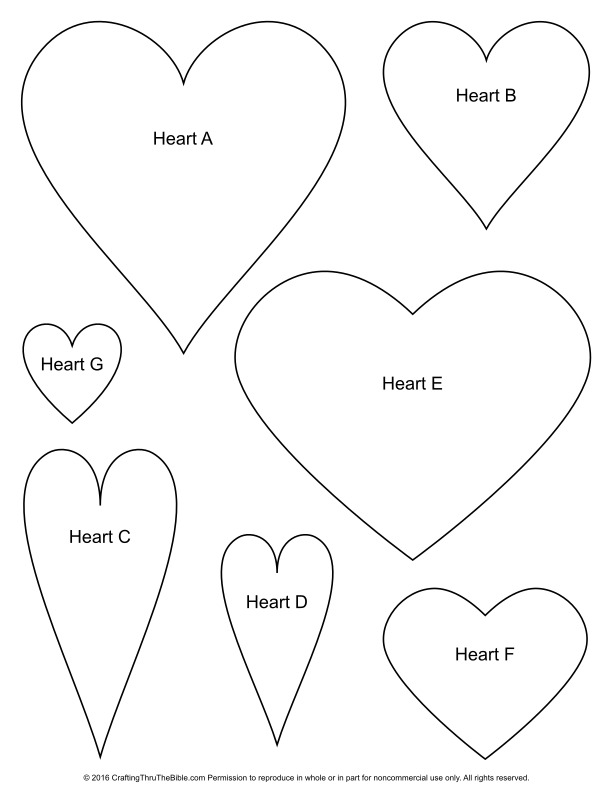
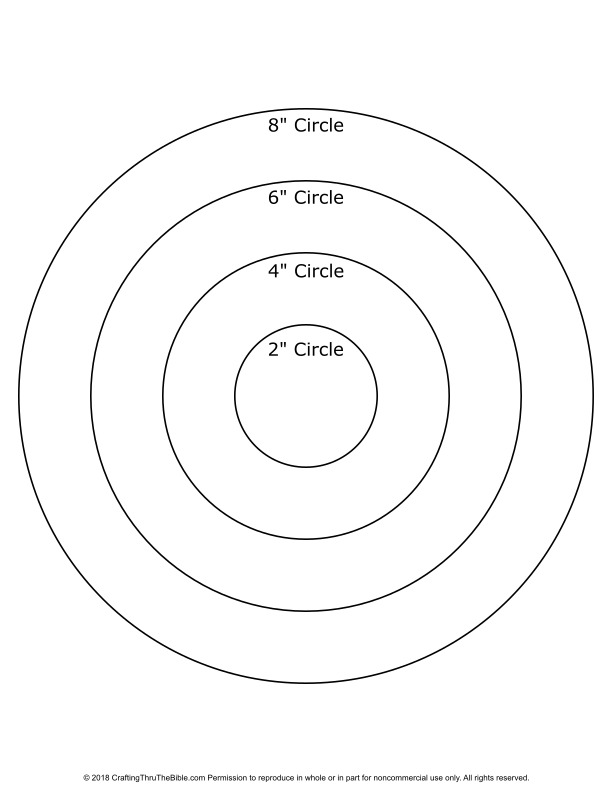
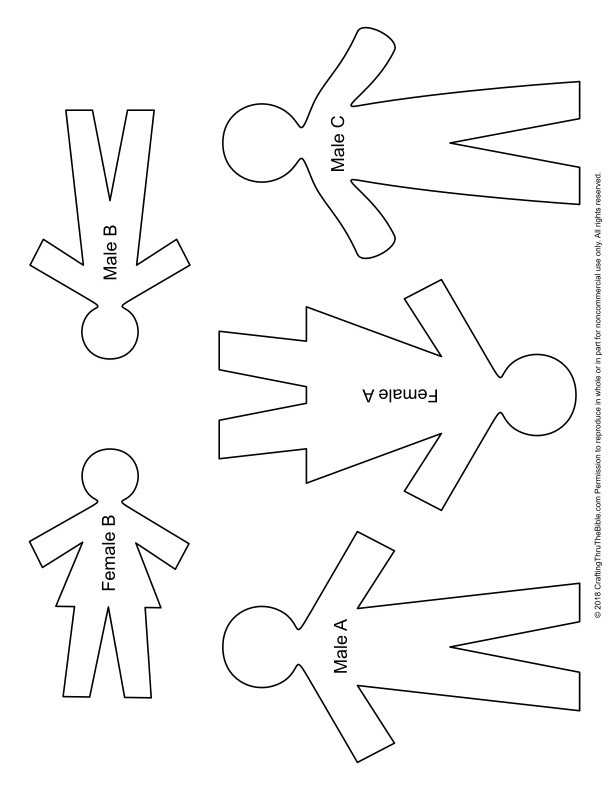
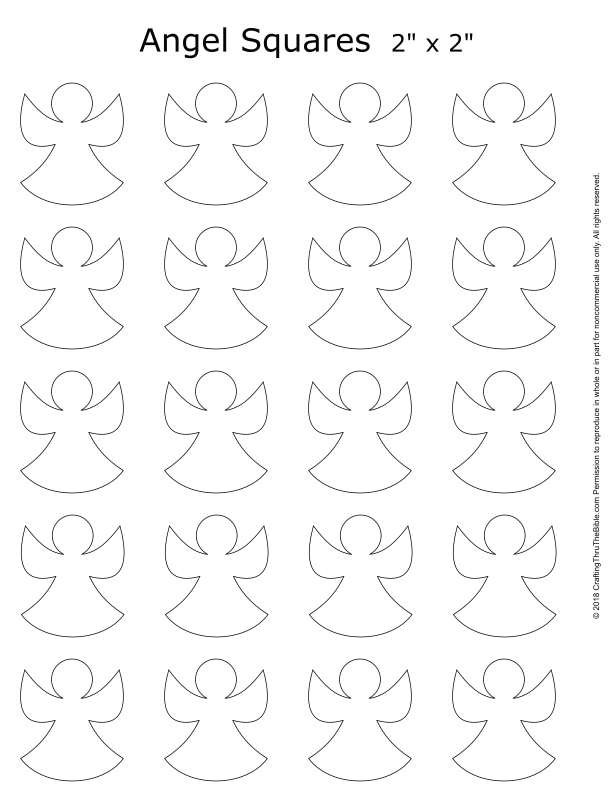
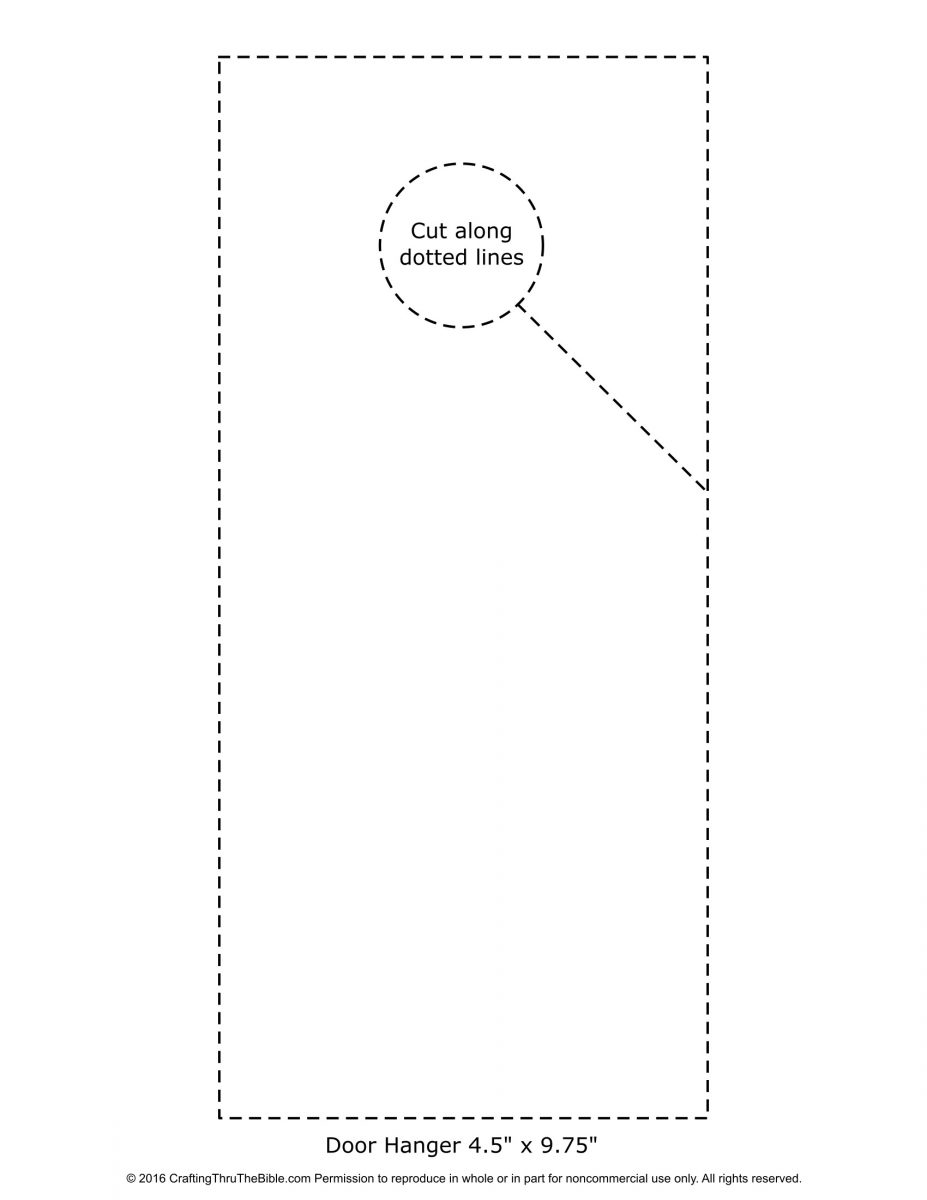
To print templates or coloring pages the correct size, print making sure the image takes up the entire sheet and doesn’t get scaled.
Here are some properties you may see in the print dialog:
- DO NOT “Fit to page” or “Shrink to fit”
- Select “Fill Page”, “Actual Size”, or make sure Scale is set to 100%
- “Borderless Printing” should be ON, or make sure there are no margins set
- Select “Auto Portrait/Landscape” or make sure the image is not sideways on the page



love cut ous
Thank you for the printables. I appreciate it so much.
Love the Good Samaritan printable
Thank you for this resource
Thank you for sharing these pages. As a Born Again person I am always looking for templates to use on my projects as I make things for others.
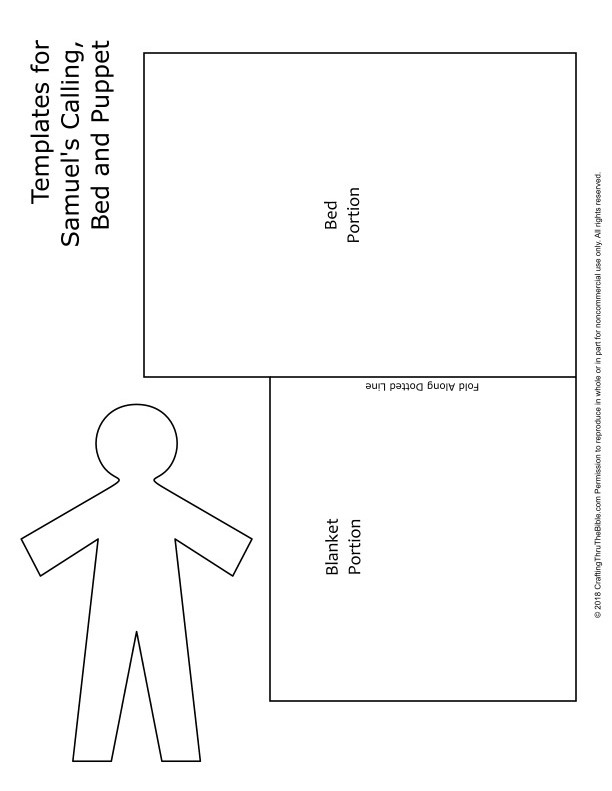
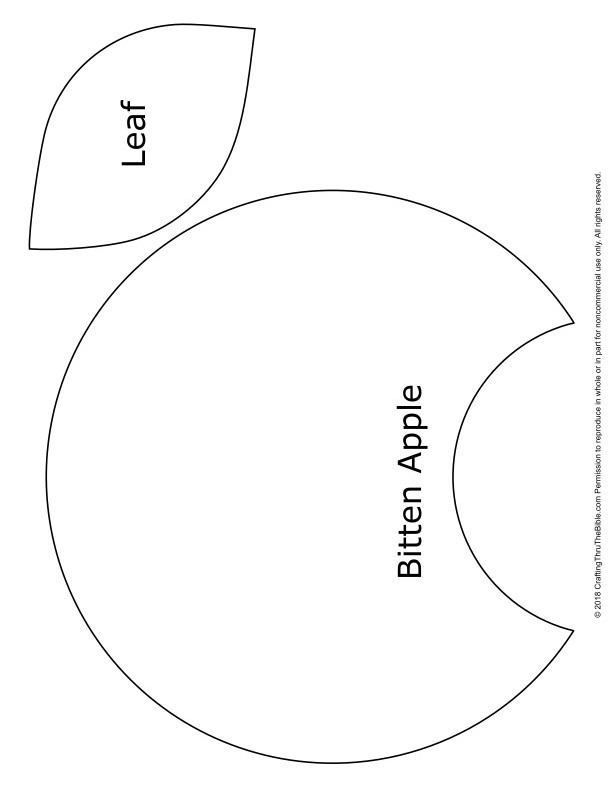
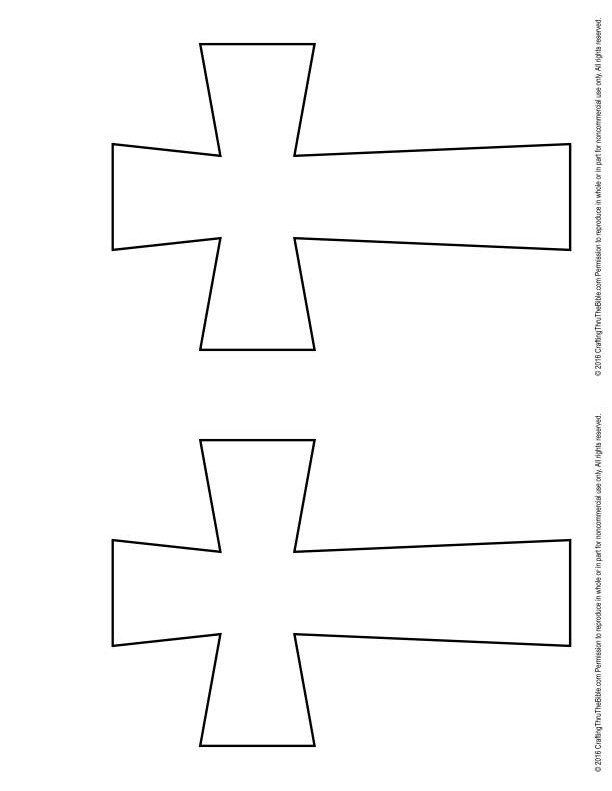
These are absolutely wonderful! Thank you so much. I enjoy working with fabric and felt. These cutouts will be perfect thank you greatly for sharing AND printing instructions. I’m new to printing off my phone. I did when I had my computer but…the iPhone is different. Have a lovely day